SKINS
REACTIONS
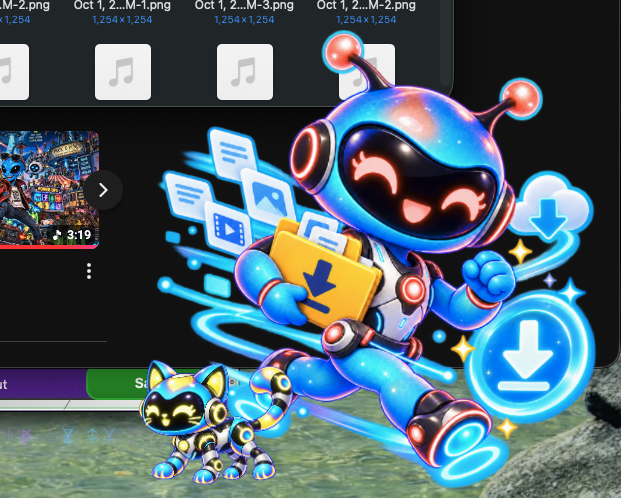
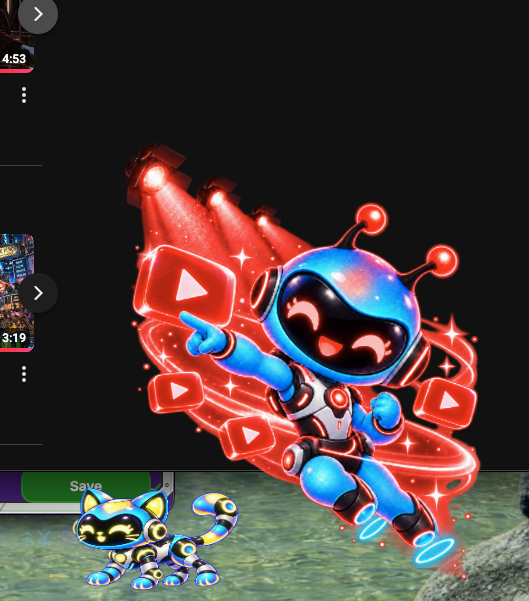
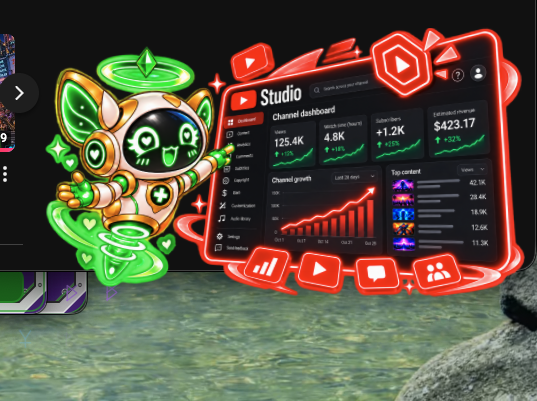

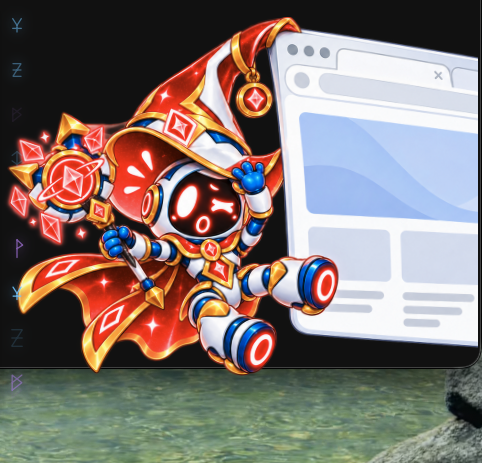 ASSETS IN DEVELOPMENT
01 / CHOOSE
Pick your personality
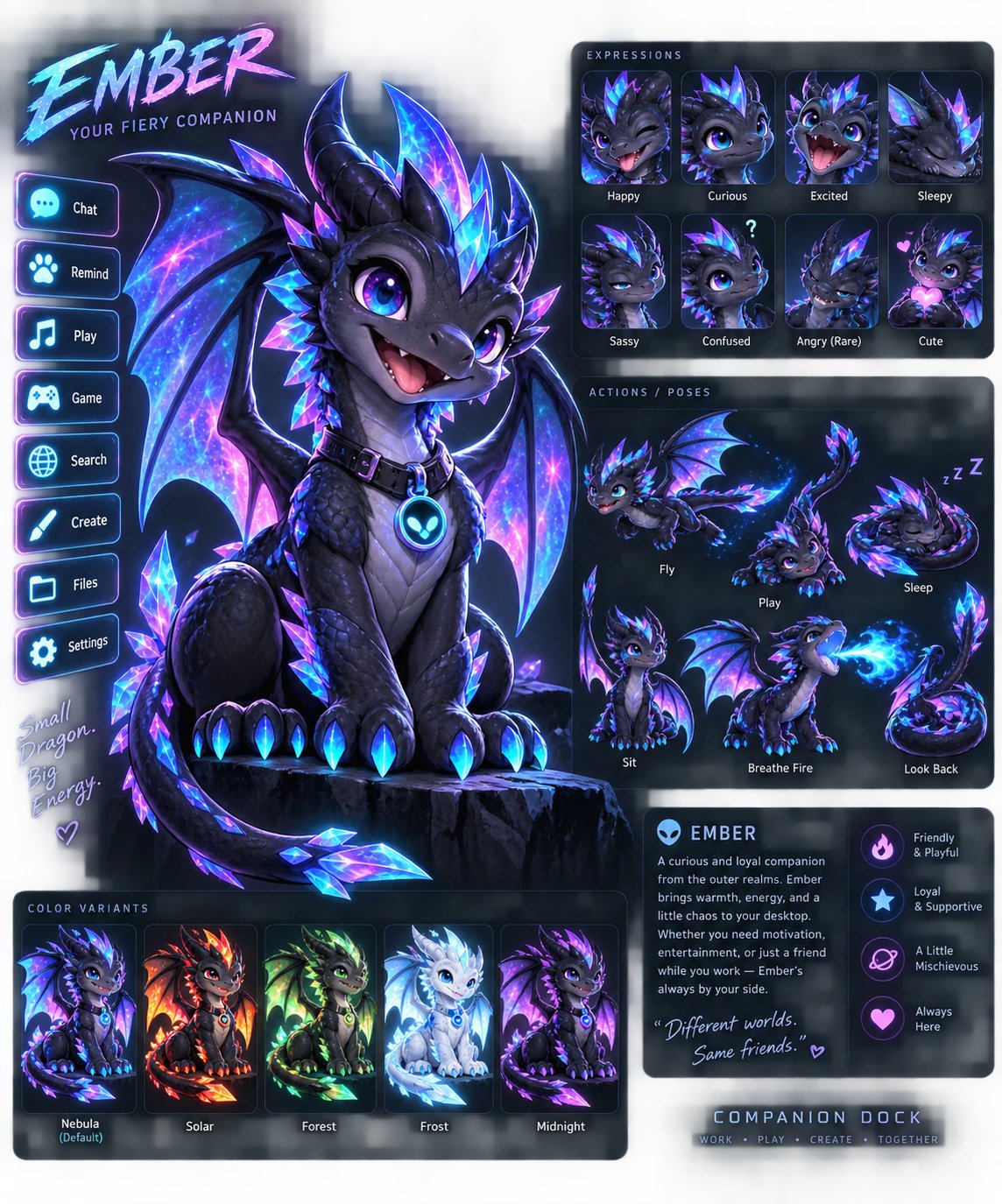
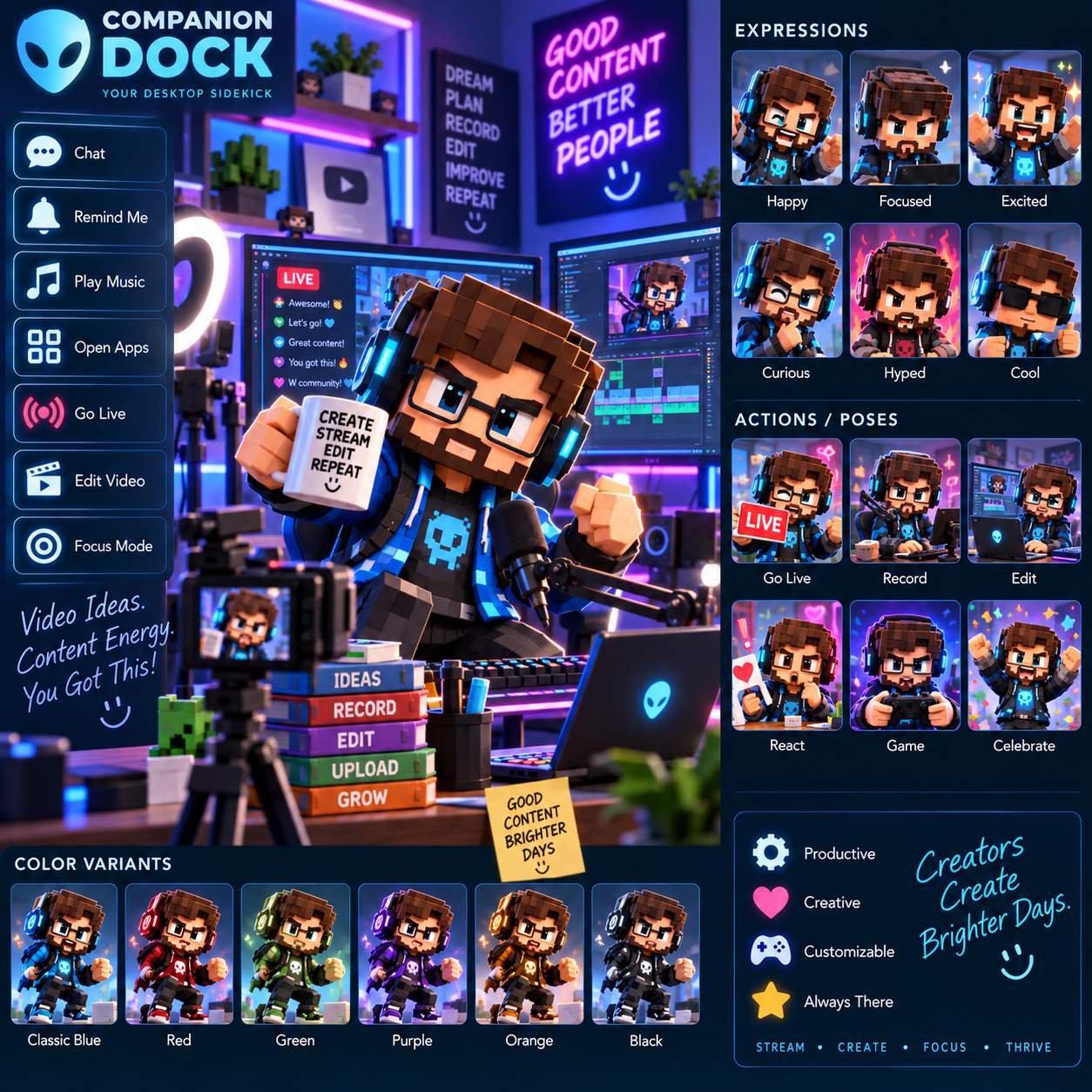
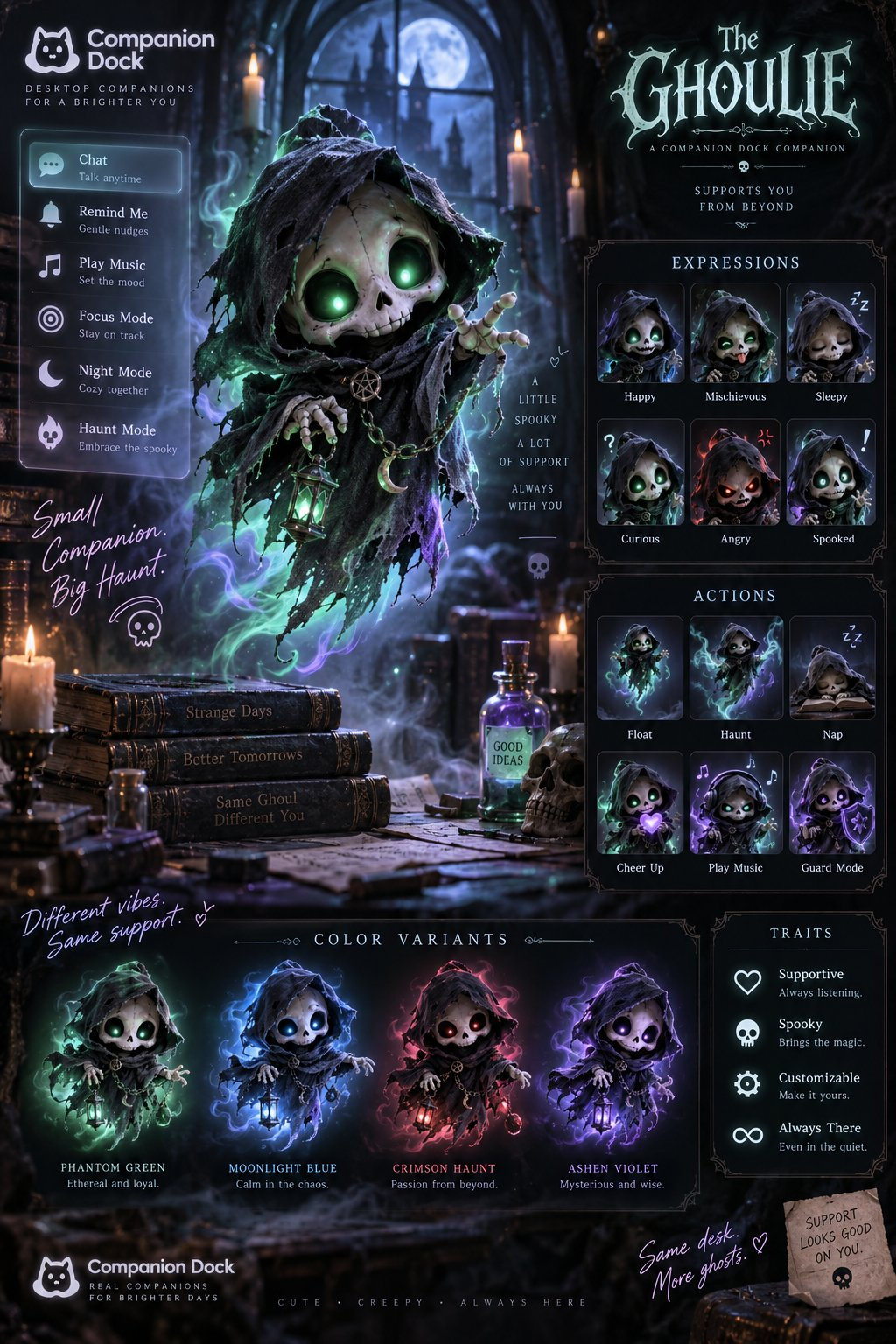
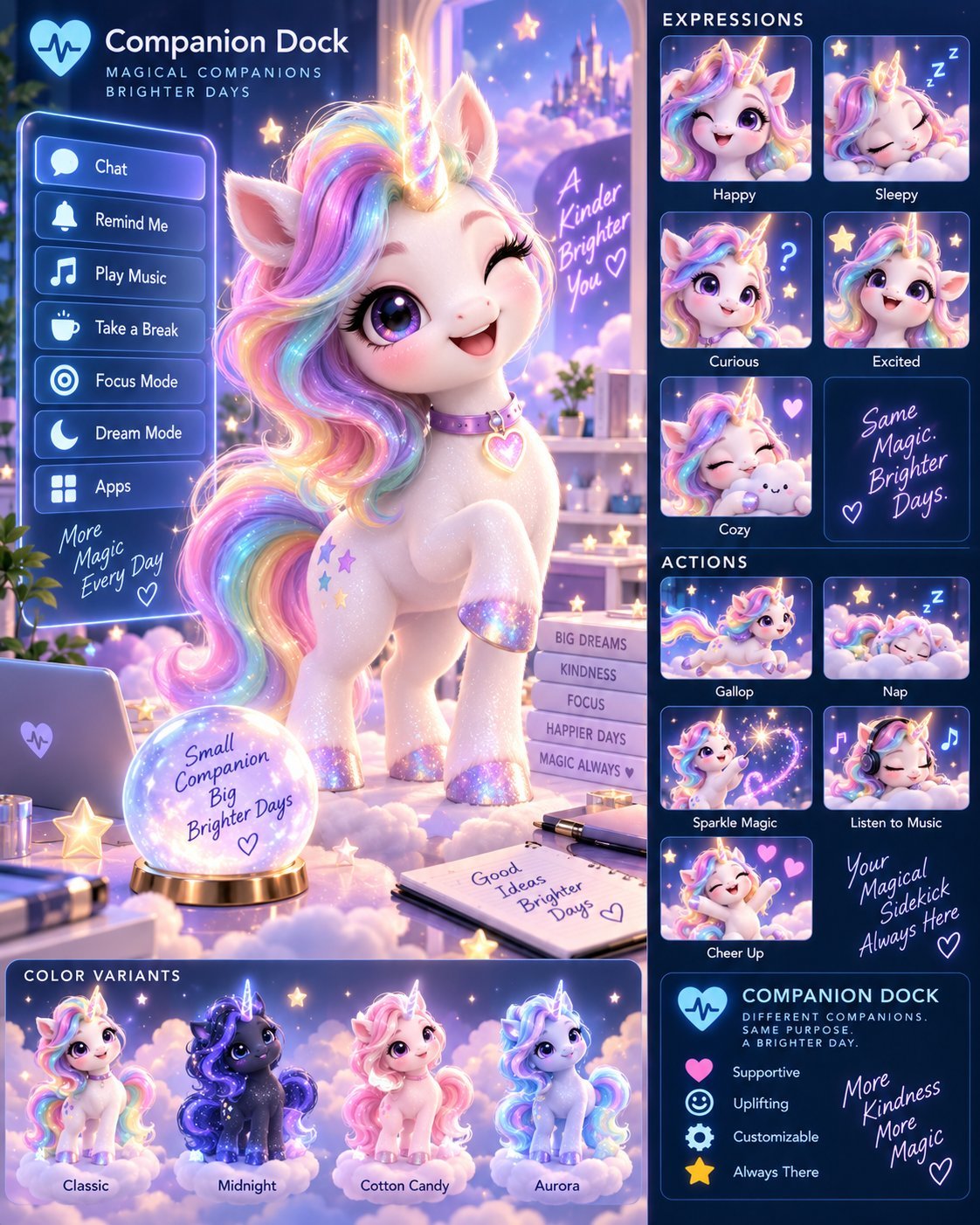
Choose a character skin that matches your workspace, then bring shortcuts to life with purposeful reaction poses and animations tied to your interactions.
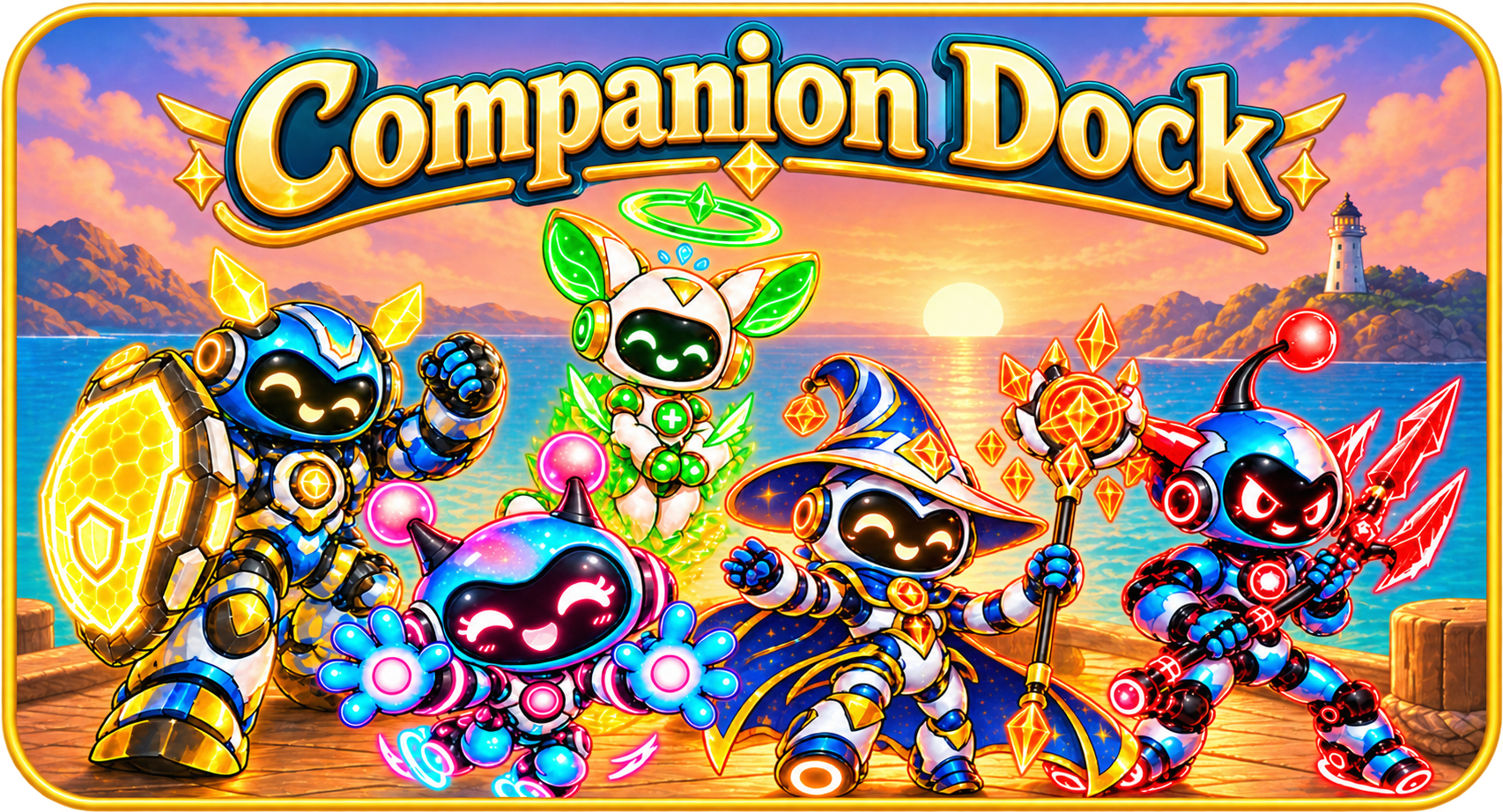
Meet animated companions built for favorite shortcuts, custom reminder previews, and the routines that keep creators moving.
The idea is simple: give useful desktop actions a friendly home, then make the experience feel unmistakably yours.
Choose a character skin that matches your workspace, then bring shortcuts to life with purposeful reaction poses and animations tied to your interactions.
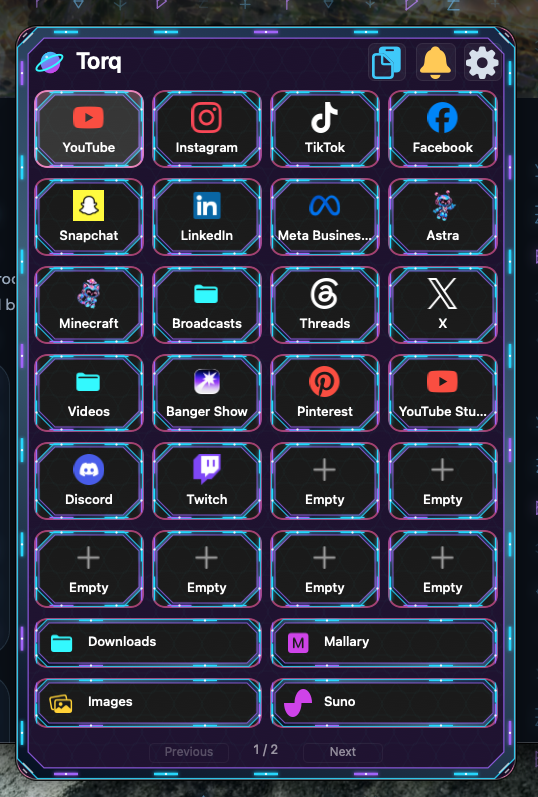
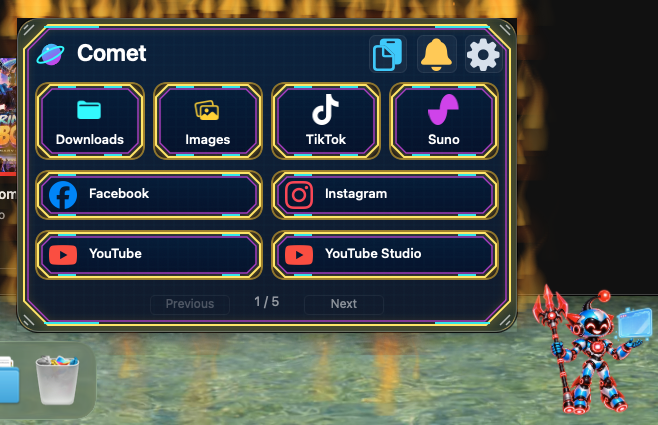
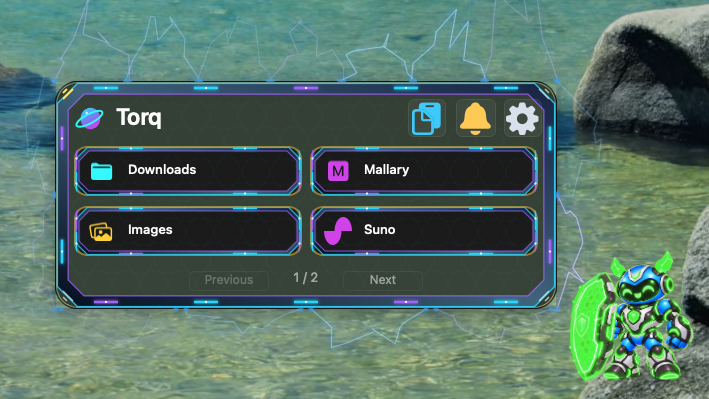
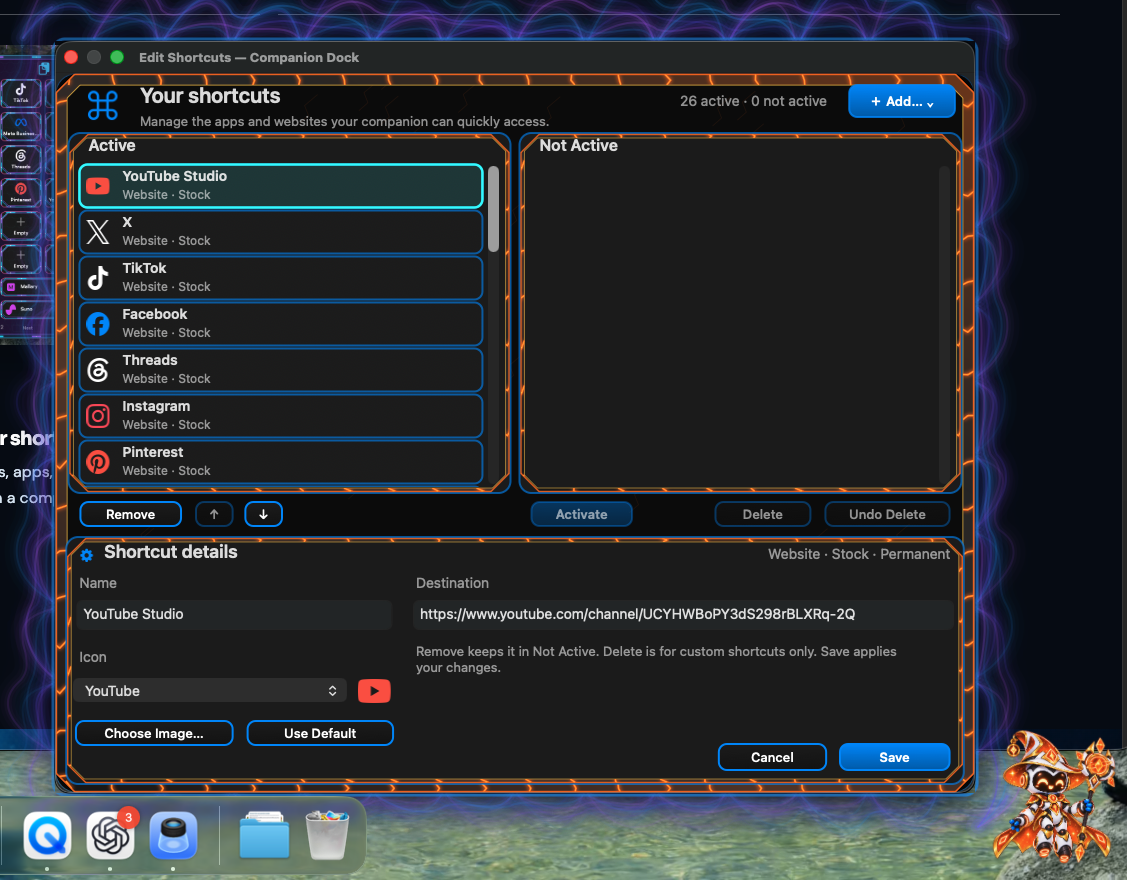
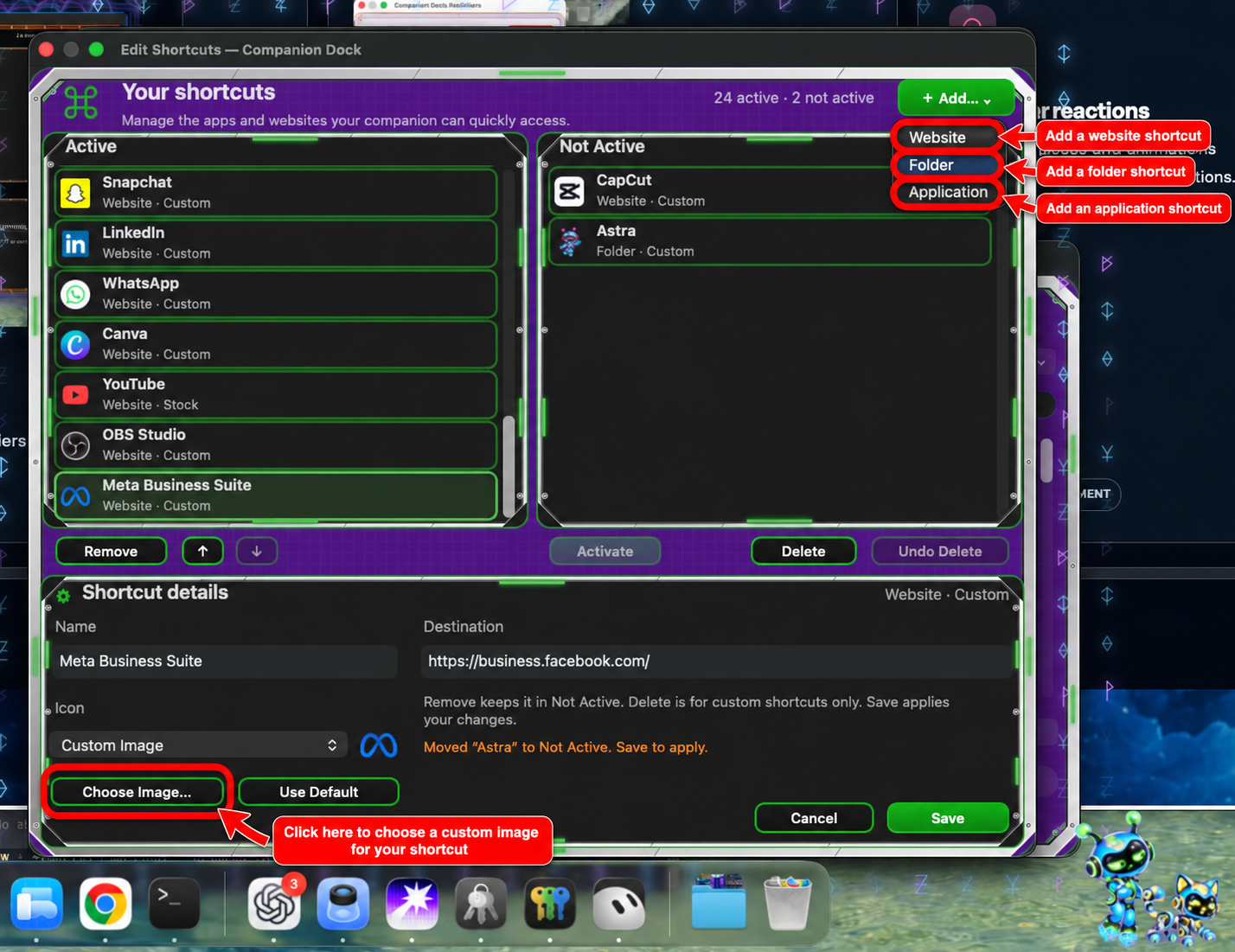
Keep websites, apps, and folders within easy reach through a compact companion menu.
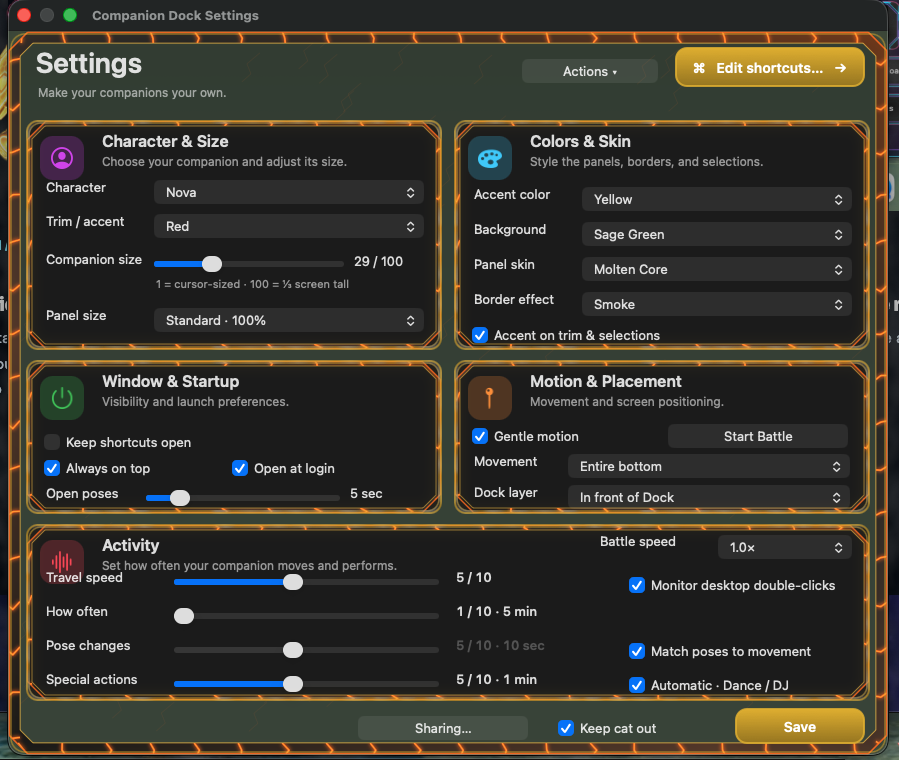
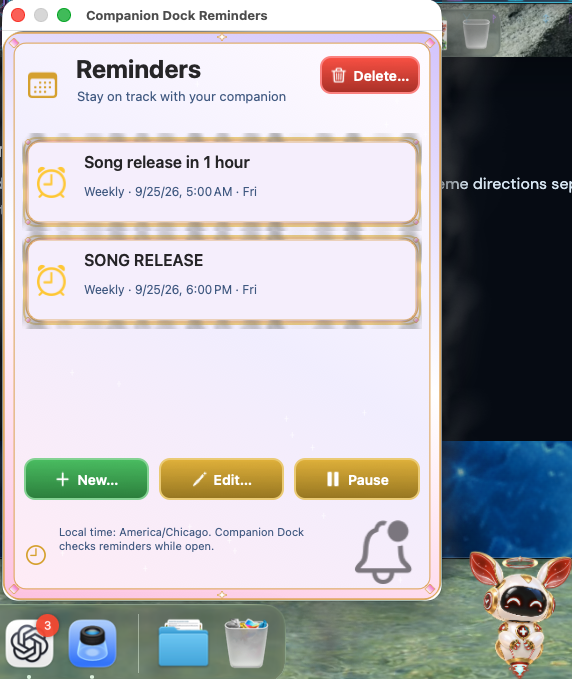
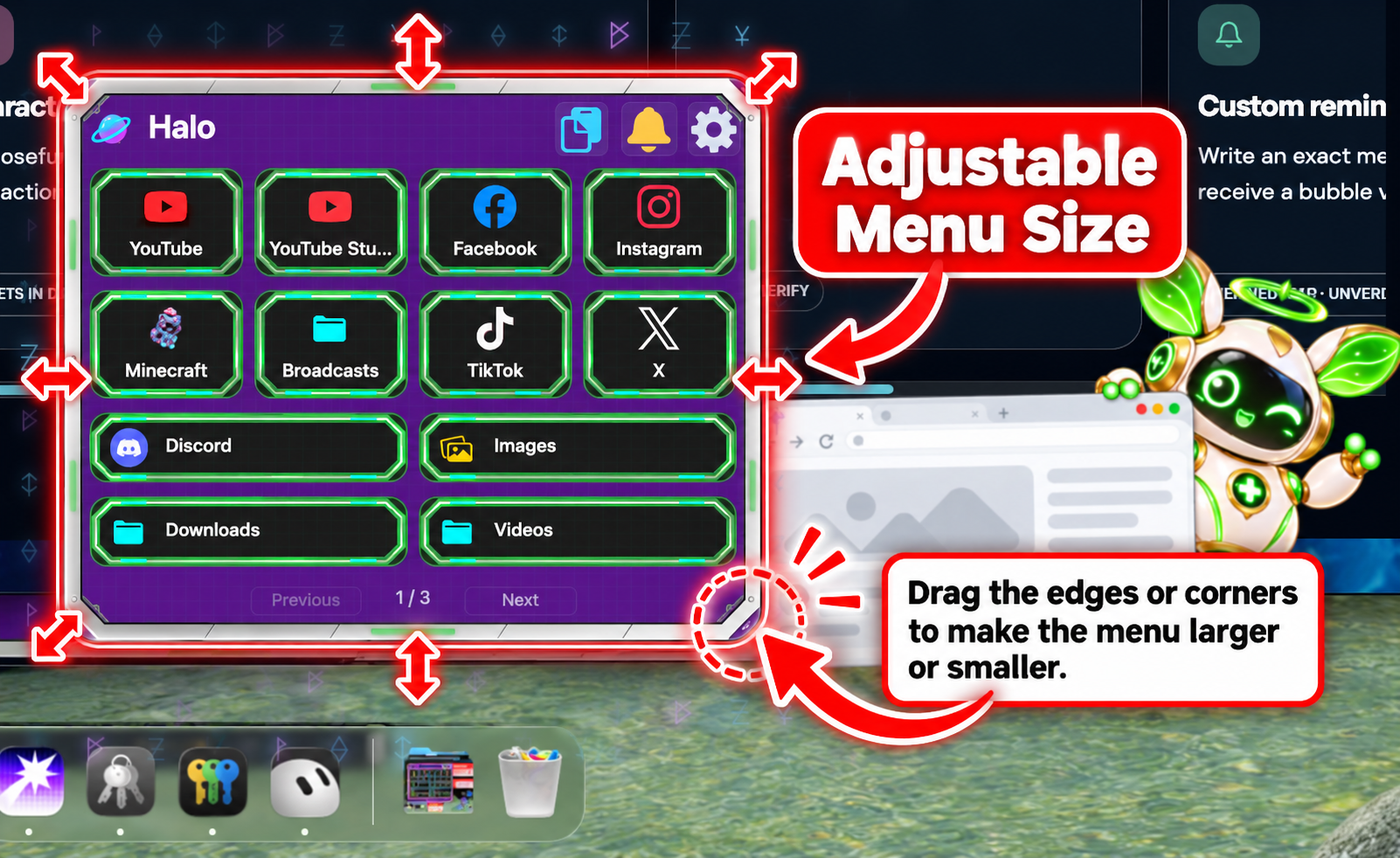
Explore size and interface theme directions separately from the character you choose.
Adjust companion size and explore menu colors, themes, and backgrounds.
DEFINED MVP · UNVERIFIED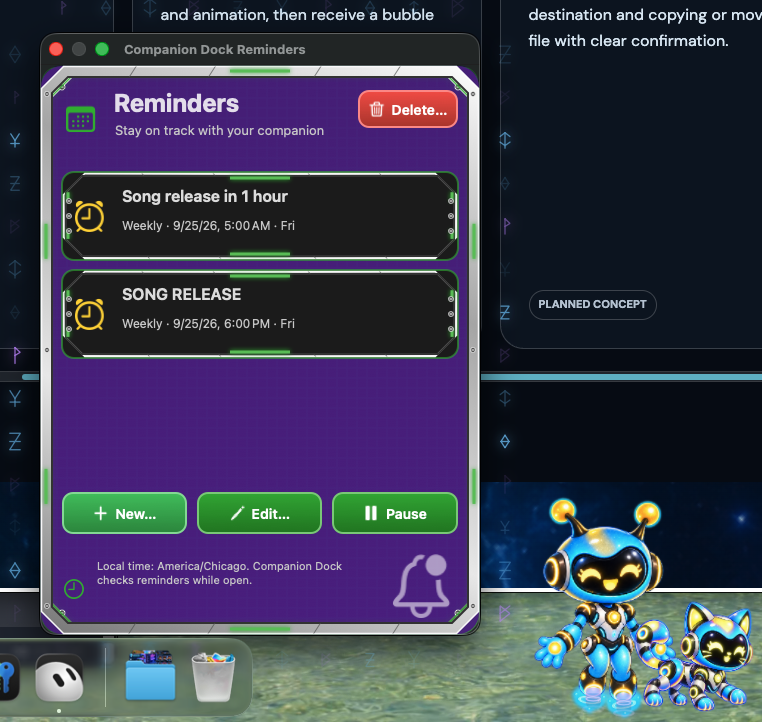
Write an exact message, choose a time and animation, then receive a bubble with Snooze and Done.
DEFINED MVP · UNVERIFIEDA proposed flow for choosing a saved destination and copying or moving a file with clear confirmation.
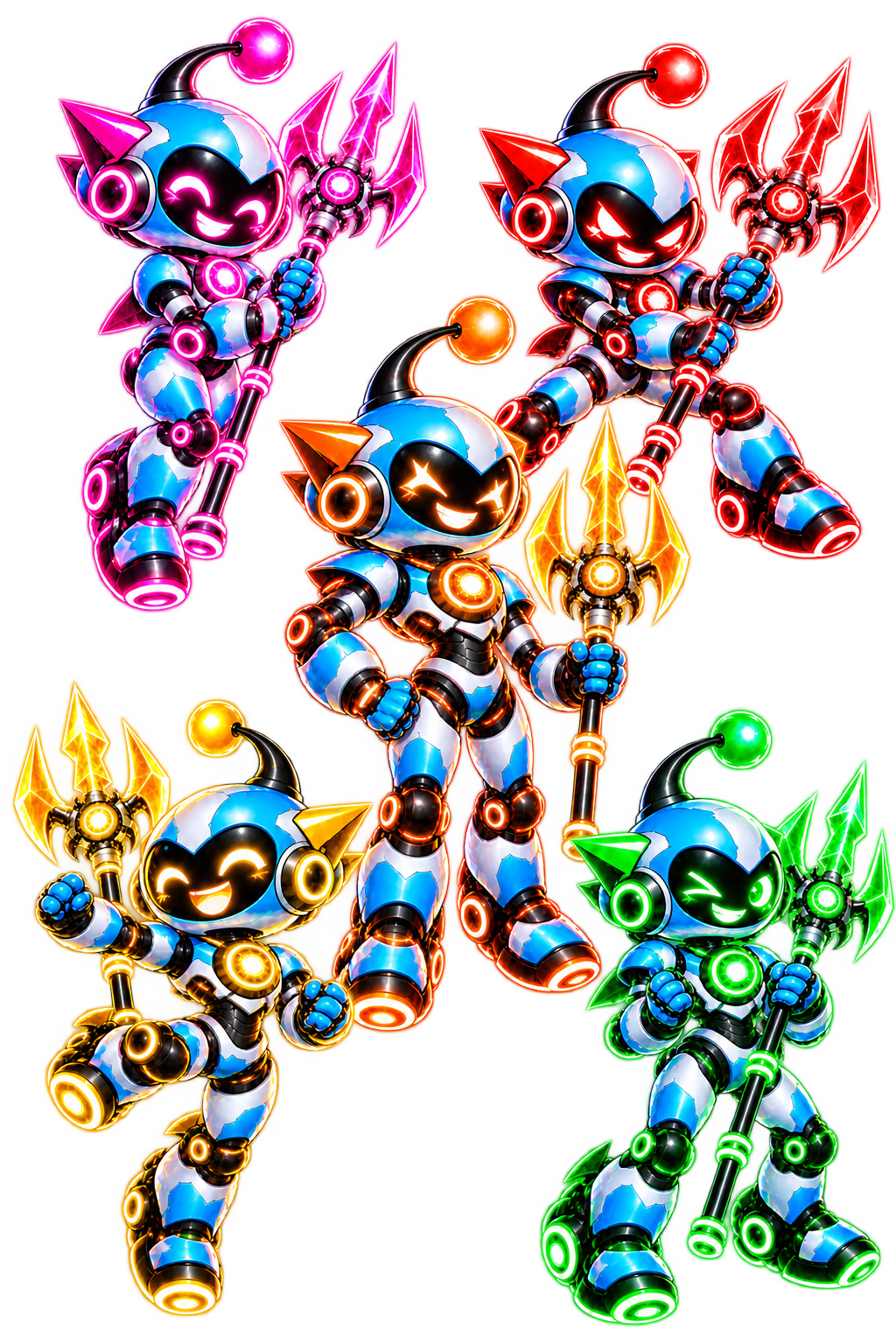
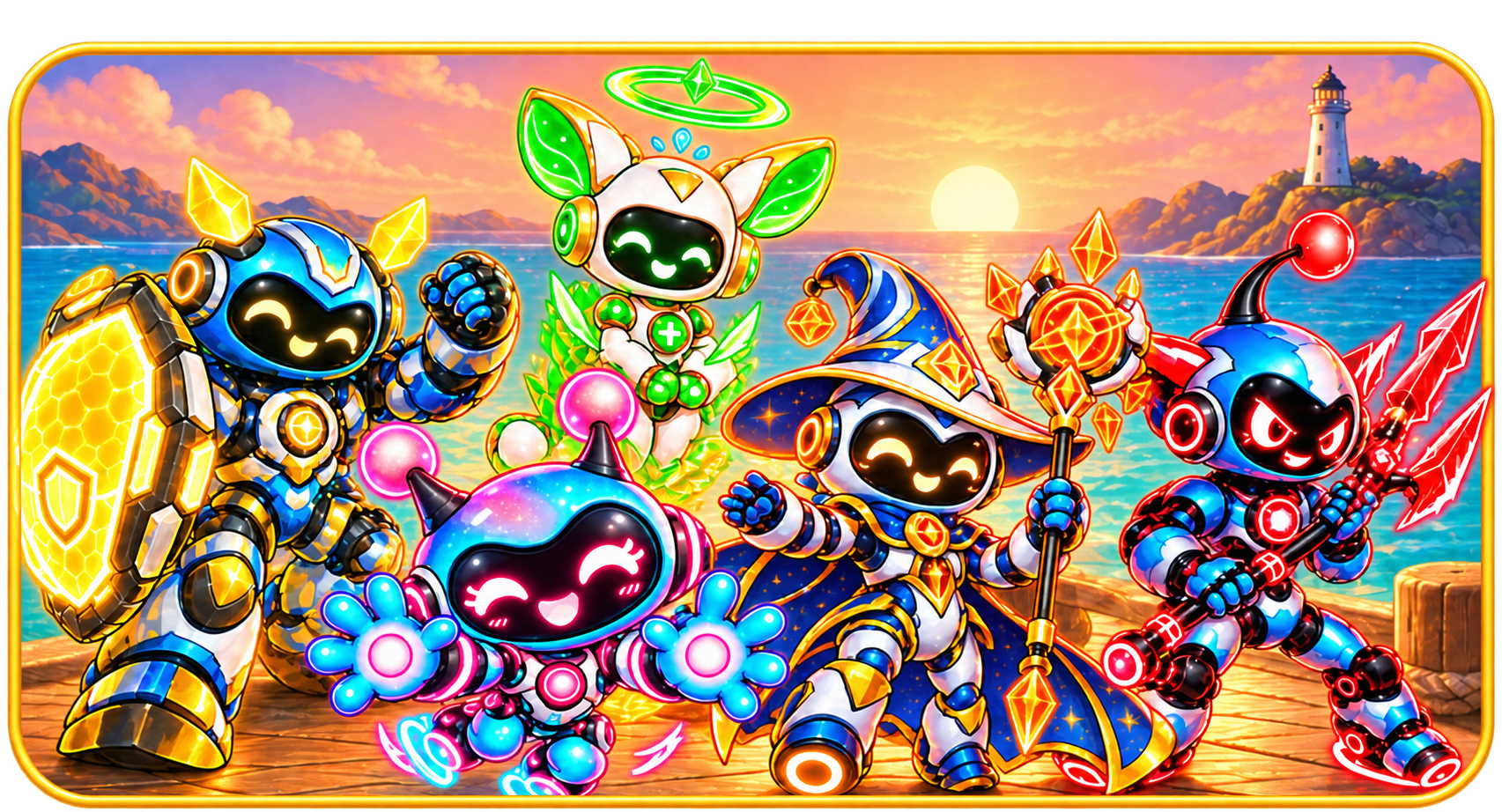
ASSETS IN DEVELOPMENTFive personalities in orbit.

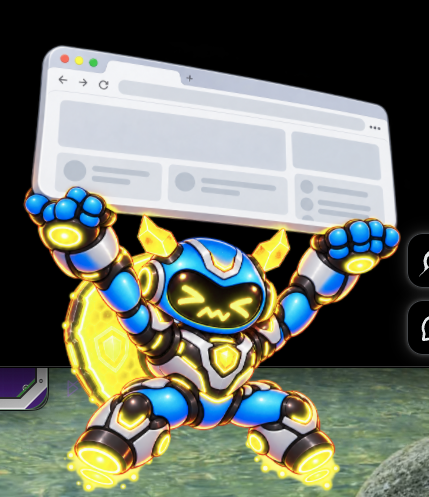
A clever ranged summoner who calls in backup, supports the team from afar, and overwhelms enemies with a little controlled chaos.
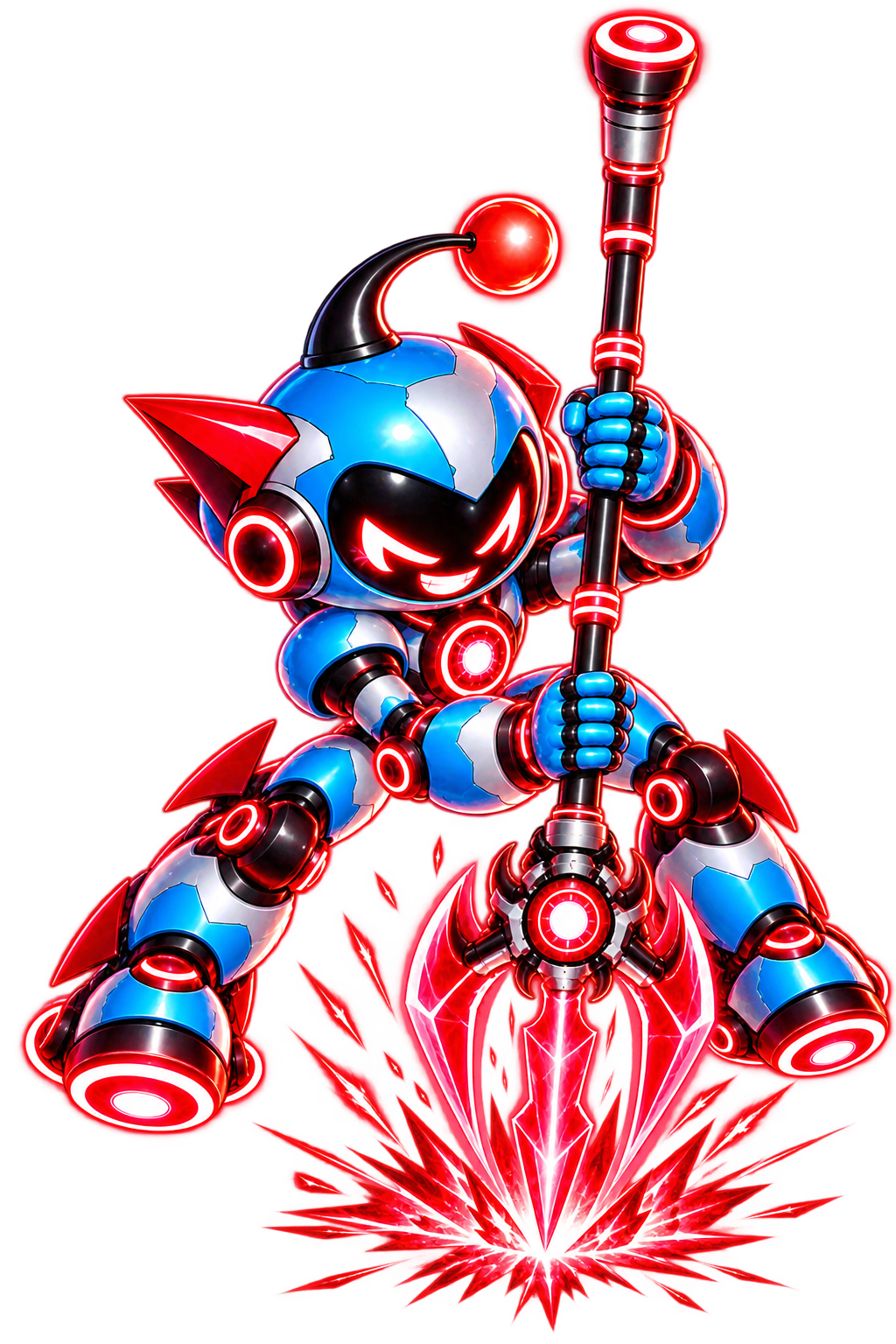
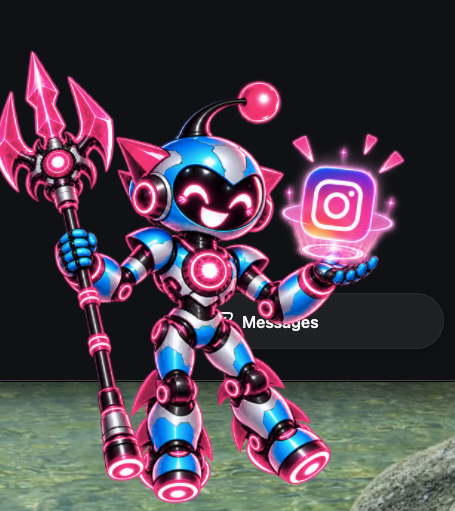
A fast, aggressive fighter who dives into battle with his glowing trident, delivering explosive physical damage before enemies can react.

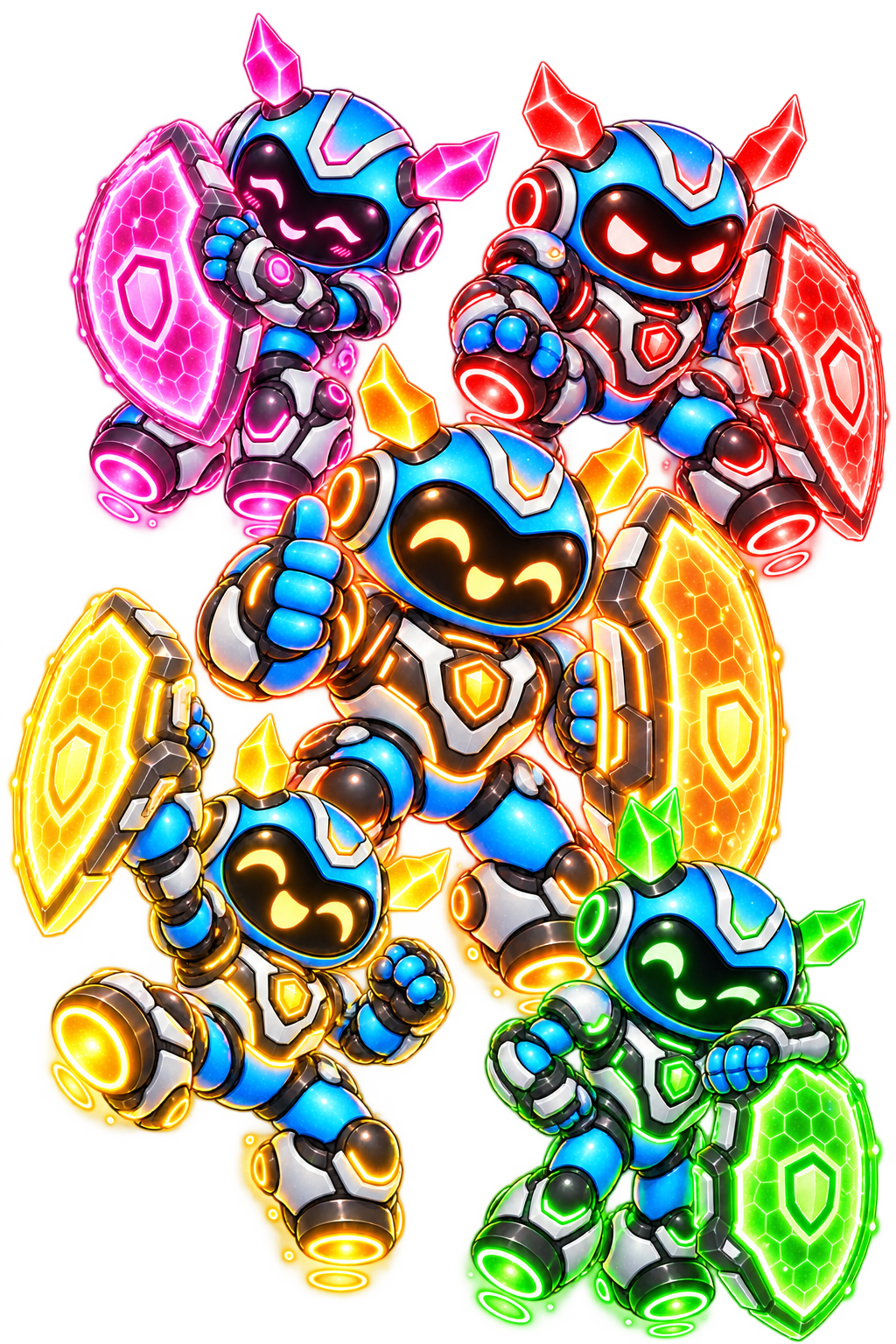
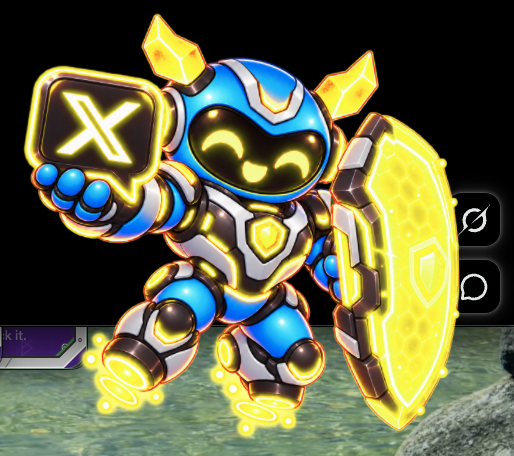
A powerful frontline guardian built to take the hits, protect his teammates, and make sure every enemy is focused on him.

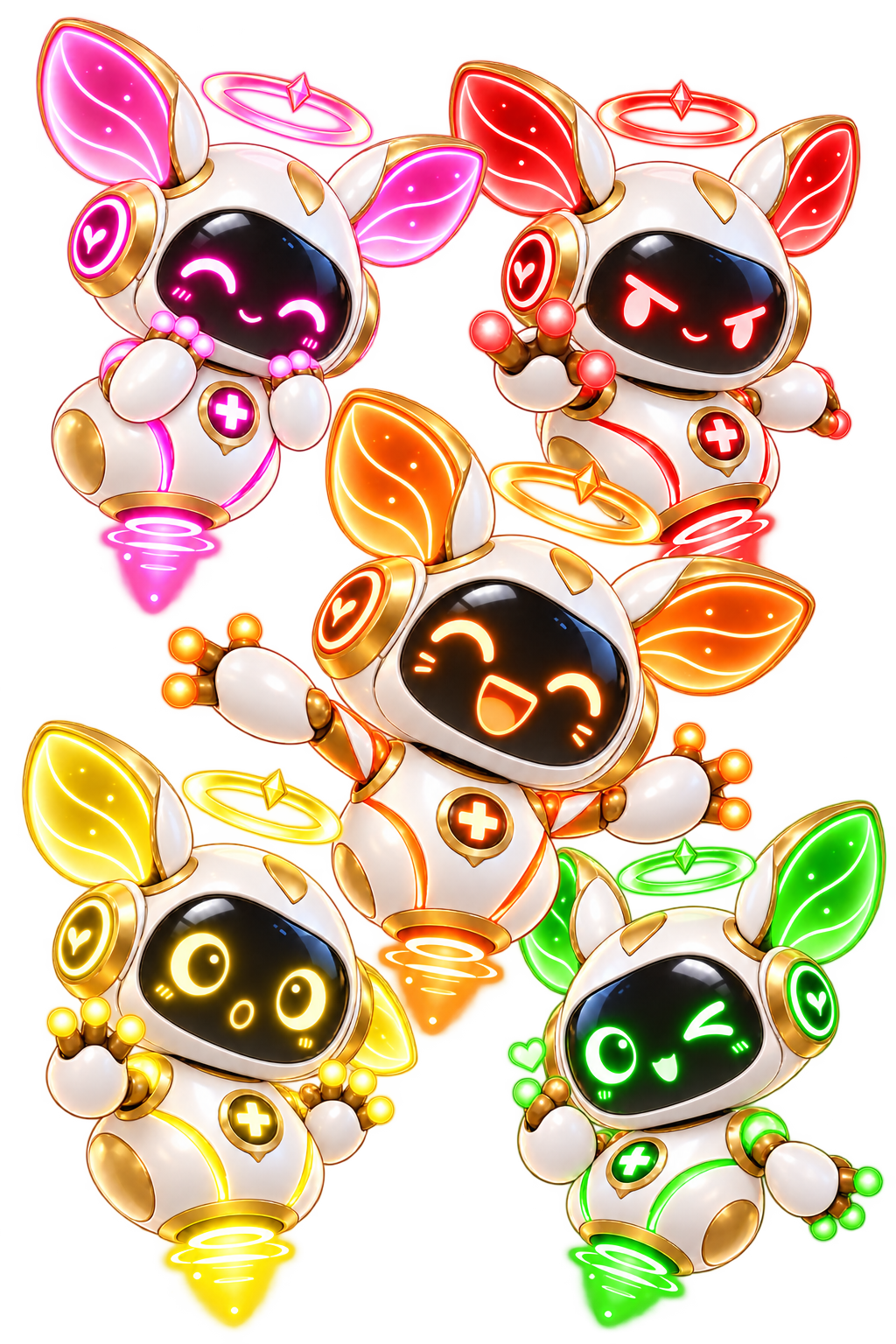
A cheerful support specialist who keeps the team alive with healing pulses, emergency restores, and bright green restorative energy.

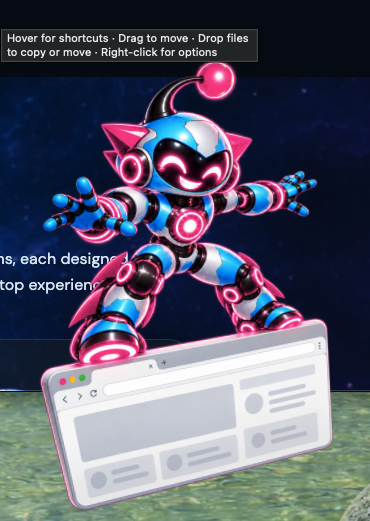
A powerful ranged mage who channels cosmic energy through his crystal staff, unleashing devastating spells from safely behind the front line.
Watch all five companions battle across the desktop.

Your companions aren't locked to one spot. Place them in front of the Dock, behind it, or anywhere along either side to build the desktop setup that works best for you.
Keep your favorite companion close, spread the whole team across your screen, or tuck them behind the Dock when you want a cleaner workspace. You decide where they live.
Your desktop. Your lineup. Your way.
Double-click anywhere on your desktop and send your companion into action — if you want to. This feature is fully optional and can be toggled on or off at any time. When enabled, your companion can warp to the spot you clicked and perform their own attack, spell, heal, summon, or special animation before returning to position.
All five companions. One playful desktop.
Regular price $14.99 after the founders sale.
Yours to keep.Your purchased version keeps working. No subscription required.
macOS available nowWindows coming soon
Apple Silicon (M1 or later) · macOS 13+ · 1.08 GB download · Intel Macs not supported
Ongoing premium content for people who want more.
Renews at $9.99/year after the founders sale.
Planned member extras
Always optional.Battle Pack companions keep working without Dock Pass. Basic updates go to everyone.
macOS available nowWindows coming soon
Benefits may expand as Companion Dock develops. The annual price may increase for new members if substantially more content is included, and founding members may be grandfathered at $9.99/year. These are plans, not promises.

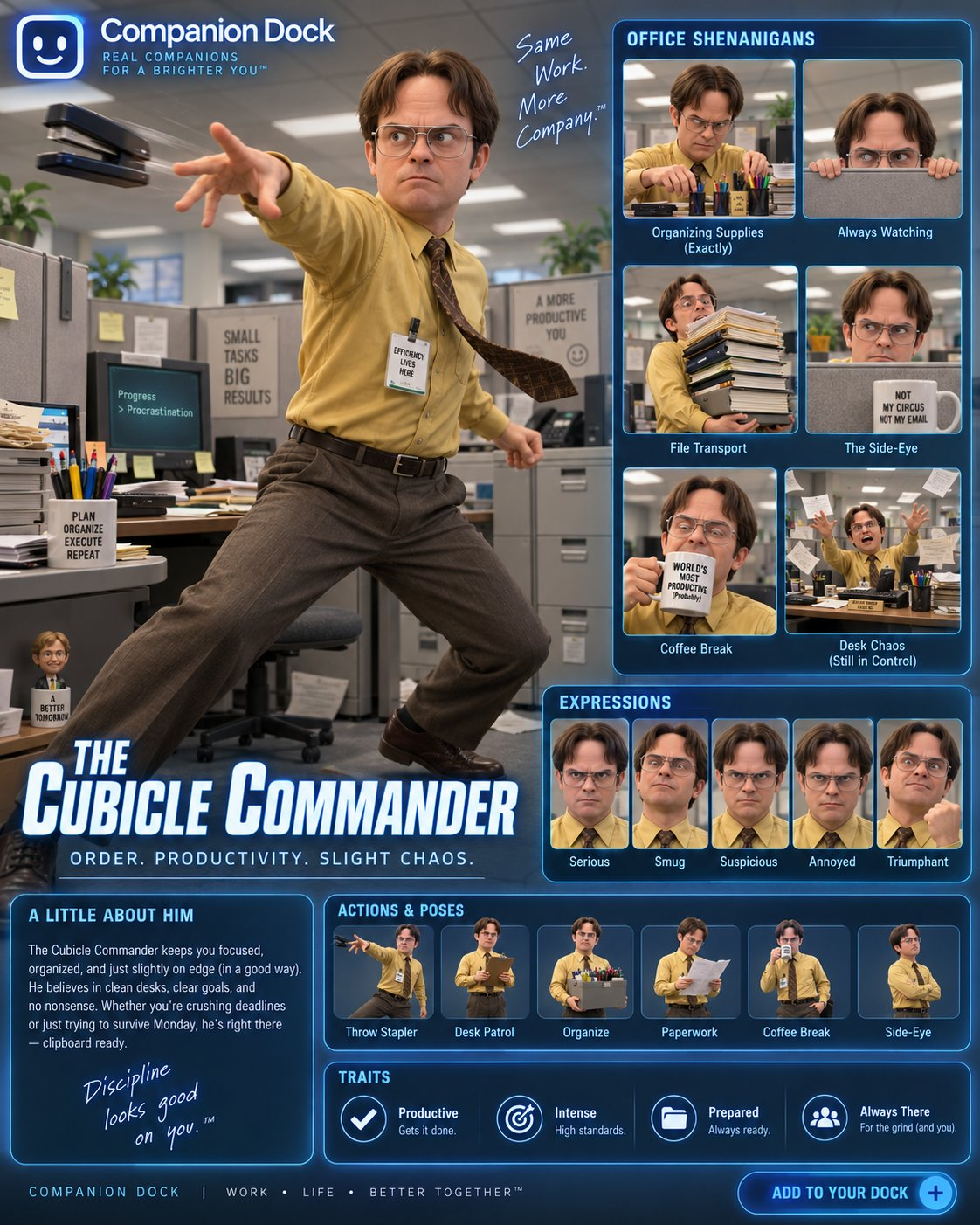
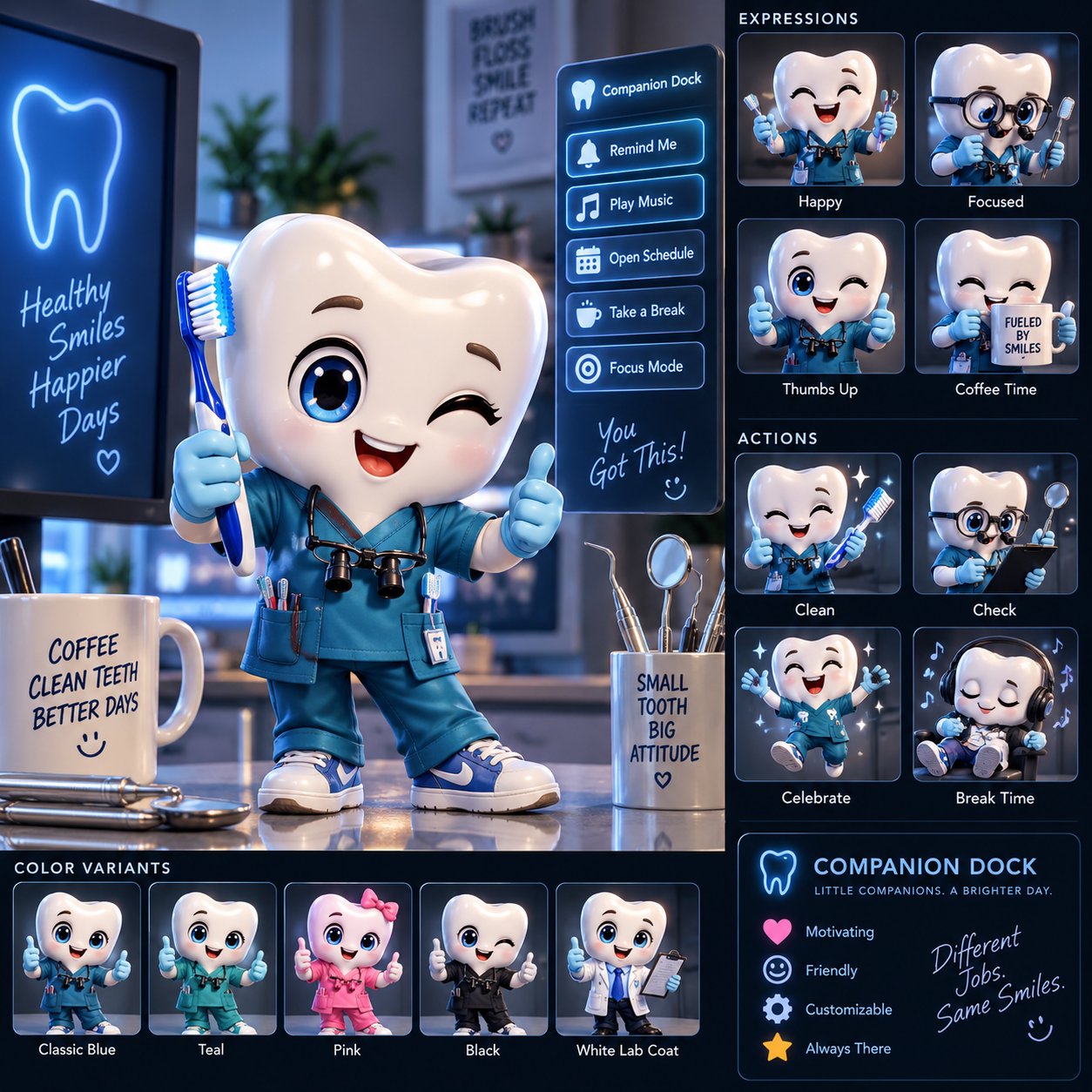

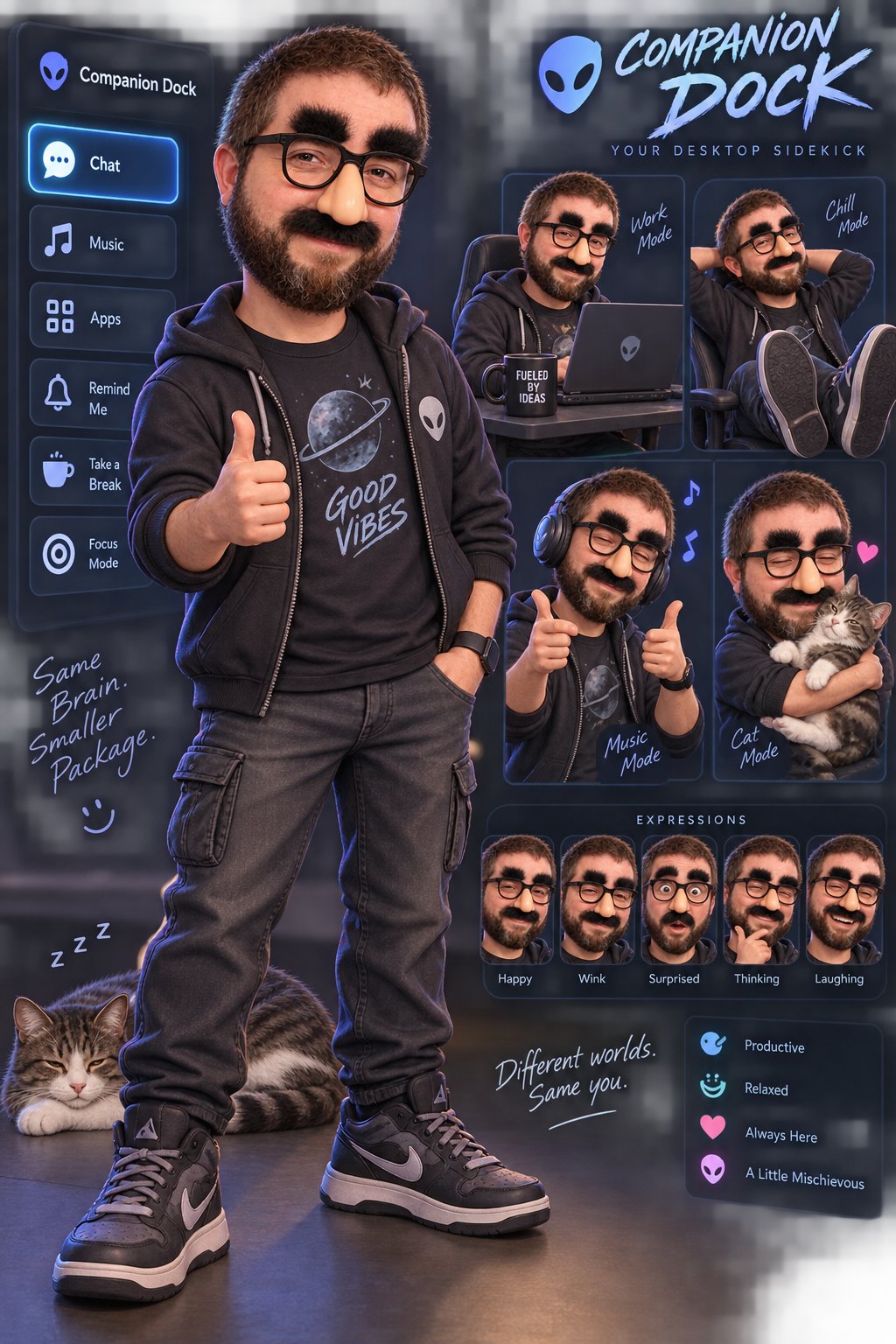





Includes:
Make it yours. Additional colorways, custom animations, visual effects, advanced interactions, battle features, and other upgrades are available for an additional charge.
Final pricing depends on the complexity of your custom build.
Includes everything in the Custom Companion, plus:
Take it further. Additional battle abilities, animations, colorways, visual effects, and other upgrades are available for an additional charge.
Final pricing depends on the complexity of your custom build.
Your five Companion Dock characters are almost ready to join your Mac.
Download Companion Dock for MacApple Silicon (M1 or later) · macOS 13+ · 1.08 GB download · Intel Macs not supported
Need help? support@companiondock.com